How to Optimize Images for the Web and Improve SEO
·6 min read
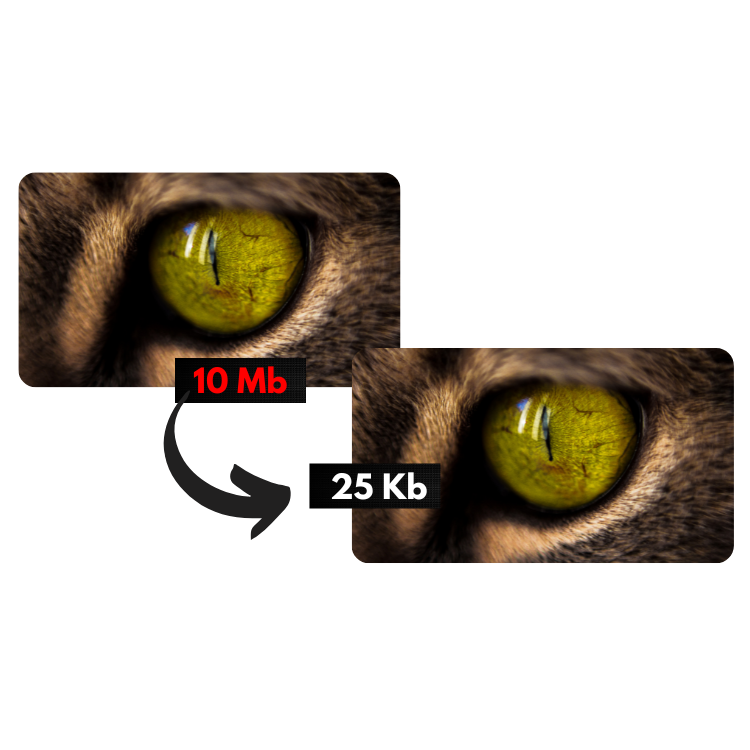
Optimizing images is more than compressing
Web optimization includes resizing, choosing the right format (JPG, PNG or WebP) and keeping visual quality. This impacts SEO and Core Web Vitals — especially LCP.
How to optimize with our tool
- Open the [Image Optimizer](/en/image-optimizer)
- Set max width/height if needed
- Use quality around 0.7 for a solid balance
- Download the optimized files in your browser
Quick checklist
- Resize to the real display size
- Prefer WebP when browser and CMS support it
- Compress product photos and ad banners
- Avoid uploading 4000px images for a 400px card
Expected result
Faster pages, better mobile experience and higher conversion potential on landing pages and stores.