Free Online Favicon Generator
Use the tool below to generate every favicon size your website needs, straight from your browser.
 Click here, or drag an image to this area to generate your favicon.
Recently generated favicons
Copy the code below and paste it inside the HEAD tag of your HTML page.
<link rel="apple-touch-icon" sizes="57x57" href="/favicon/apple-icon-57x57.png">
<link rel="apple-touch-icon" sizes="60x60" href="/favicon/apple-icon-60x60.png">
<link rel="apple-touch-icon" sizes="72x72" href="/favicon/apple-icon-72x72.png">
<link rel="apple-touch-icon" sizes="76x76" href="/favicon/apple-icon-76x76.png">
<link rel="apple-touch-icon" sizes="114x114" href="/favicon/apple-icon-114x114.png">
<link rel="apple-touch-icon" sizes="120x120" href="/favicon/apple-icon-120x120.png">
<link rel="apple-touch-icon" sizes="144x144" href="/favicon/apple-icon-144x144.png">
<link rel="apple-touch-icon" sizes="152x152" href="/favicon/apple-icon-152x152.png">
<link rel="apple-touch-icon" sizes="180x180" href="/favicon/apple-icon-180x180.png">
<link rel="icon" type="image/png" sizes="192x192"  href="/favicon/android-icon-192x192.png">
<link rel="icon" type="image/png" sizes="32x32" href="/favicon/favicon-32x32.png">
<link rel="icon" type="image/png" sizes="96x96" href="/favicon/favicon-96x96.png">
<link rel="icon" type="image/png" sizes="16x16" href="/favicon/favicon-16x16.png">
<meta name="msapplication-TileImage" content="/favicon/ms-icon-144x144.png">
<meta name="msapplication-TileColor" content="#ffffff">
<meta name="theme-color" content="#ffffff"></meta>
Remember: the "href" attributes in each tag above point to the folder where your favicons should live. Create a folder named "favicon" in the root of your site and place the generated files inside it.
How to use the generated favicons
Why did we build this favicon generator?
There are many favicon generators online, but we ran into limitations with most of them. This tool was built to fix that: it supports transparent backgrounds, and since favicons are generated right in your own browser, the whole process is faster and more secure.
No redirects.
To keep your workflow fast, we never redirect you to another page after processing. Repeat the process as many times as you like without reloading or navigating away.
Automatic downloads.
To save you time, generated favicons are automatically saved to your "downloads" folder. Note: the first time you generate a batch of favicons, your browser may ask you to "allow multiple downloads" — it's safe to allow it.
What are favicons and why do you need one?
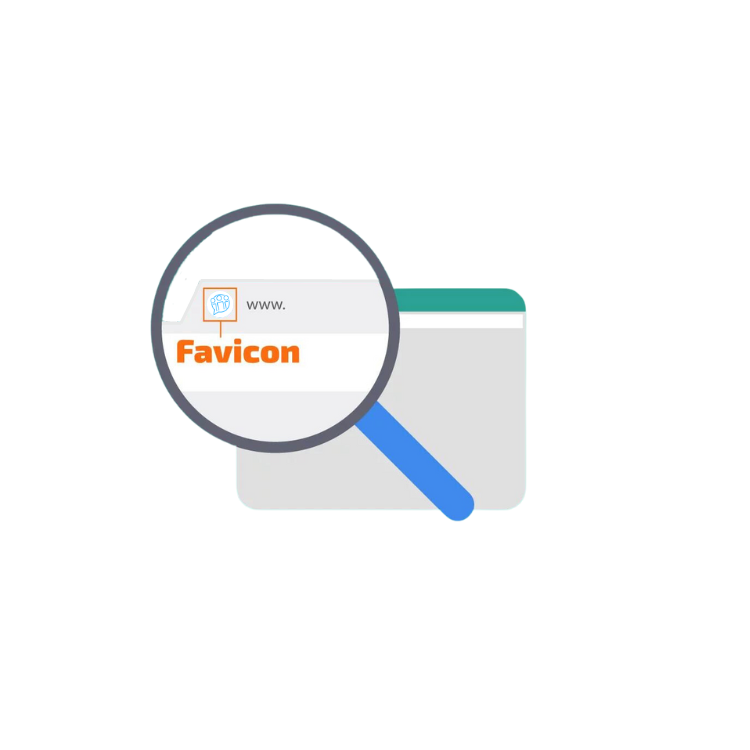
Favicons are the small icons that appear in the browser tab, right next to the page title, whenever a site is opened. For your favicon to display correctly across every browser and platform, it's important to provide it in several sizes, such as 16x16, 32x32, 48x48, 64x64, and 128x128.