Free Online Image Compressor
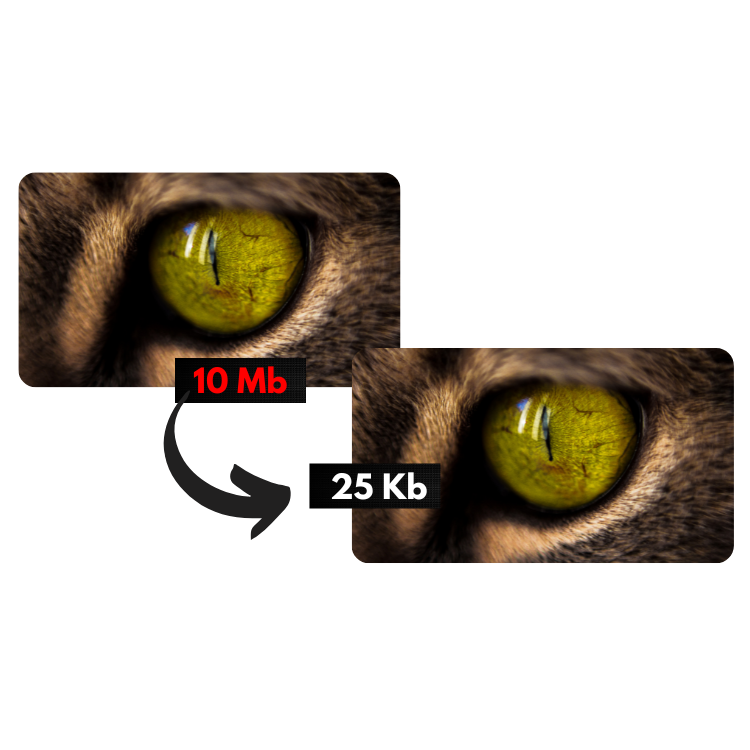
Use the tool below to shrink your image file sizes without losing quality. 100% free, instant, and processed right in your browser.
Settings
 Click here, or drag images to this area to start conversion.
Recently converted images
Track the images that have been converted and see their original and final sizes.How the Image Compressor works
In simple terms, this tool reduces the file size of your photos or images based on the settings you choose above. You can set the Max Width (in pixels), the Max Height (in pixels), and the Image Quality (from 0.1 to 1, where 1 means no quality loss and 0.1 means significant quality loss).
Tip: A quality setting of "0.7" gives a great result in terms of compression (your photo ends up with far fewer KBs or MBs), and the quality loss is virtually unnoticeable.
Why did we build this tool?
Many similar tools exist online, but most of them have limitations that hurt productivity. They usually cap how many images you can convert at once, upload your images to their servers, and then give you temporary download links — and if you're converting several images, you have to download them one by one or unzip a bundled file afterward.
Our Image Compressor solves all of these problems.
Why processing happens in your browser
Your images are compressed directly in your browser.
That makes shrinking your photos much faster. It also means we never upload your images to our servers, keeping them completely private.
Your settings are saved for next time.
Bookmark this page — every time you come back, your last settings will already be loaded, saving you time.
Automatic downloads.
Compressed images are automatically saved to your "downloads" folder. Note: the first time you compress several images at once, your browser may ask you to "allow multiple downloads" — it's safe to allow it.
No limits.
Drag and drop or select as many images as you want to compress — there's no limit. Perfect for optimizing an entire batch of photos at once.
Tips for the best quality setting
We recommend keeping the Quality field at "0.7" for most use cases. This value delivers the best balance: a big reduction in file size while keeping visual quality virtually intact. For photography portfolios where every detail matters, try 0.8–0.9. For thumbnails or background images, 0.5–0.6 can shrink files even further.
Did you know? Simply compressing your site's images with this tool can make your website noticeably faster and improve your ranking on search engines like Google!
This tool is completely free to use, with no software to install. We take no responsibility for the content or final use of the images compressed here — this is purely a resizing and compression tool. No copy of your images is ever stored by us; since everything happens in your own browser, we never even have access to them.