How to Convert JPG to PNG Online (Free, No Install Required)
·4 min read
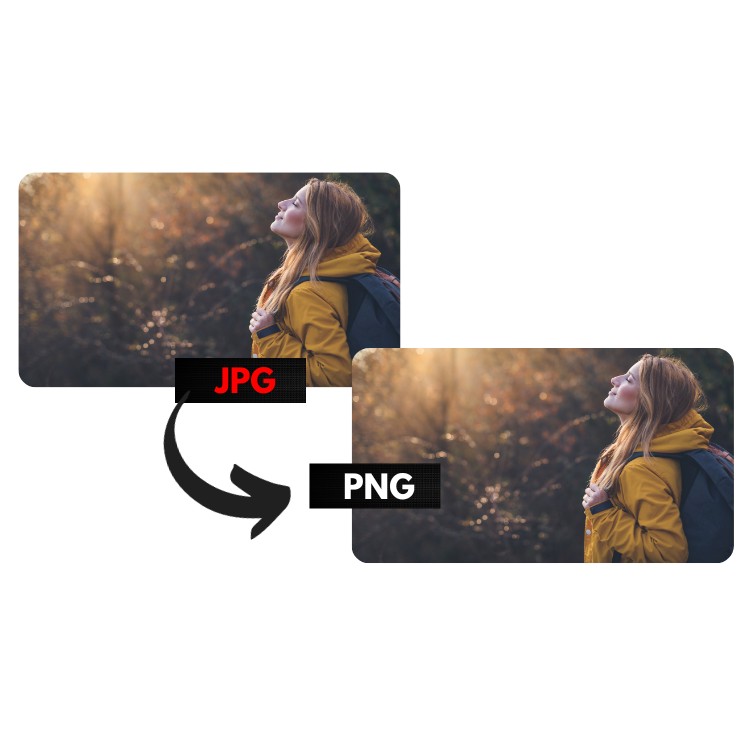
What is JPG and when to use it?
JPG (or JPEG) is the world's most popular image format. It uses lossy compression, which means it discards some image data to generate smaller files.
Use JPG when:
- The image is a photo or has many gradient colors
- You need small files for email or social media
- The image doesn't need a transparent background
What is PNG and when to use it?
PNG uses lossless compression. No pixel is discarded — the resulting image is identical in quality to the original. PNG also supports transparency (alpha channel).
Use PNG when:
- The image has text, logos or sharp edges
- You need a transparent background
- The image will be edited later
Step by step: how to convert JPG to PNG
- Access our conversion tool
- Drag or click to select your JPG files
- Wait for the conversion (it happens automatically)
- The PNG file download starts automatically
The conversion is done 100% in your browser. No images are uploaded to external servers.
JPG vs PNG: size comparison
| Feature | JPG | PNG |
|---|---|---|
| Compression | Lossy | Lossless |
| Transparency | No | Yes |
| File size | Smaller | Larger |
| Ideal for | Photos | Logos, icons |
Important tips
- JPG to PNG doesn't improve quality: if the JPG image already lost quality during original compression, converting to PNG doesn't recover that data.
- Transparent background: JPG doesn't support transparency. If your original PNG had a transparent background and was converted to JPG, that background was filled with white. Converting that JPG back to PNG does not recover the transparency.
- For modern web: consider converting to WebP, which is 30% smaller than JPG with the same quality.